External clients
Grove now starts with the practice you already have. Add Client has a Track only option: a name, no email, and a consent attestation that you keep notes about this client responsibly. Capture session notes three ways: type them with a session date, photograph a handwritten page and review the transcription line by line, or import a transcript that Sage summarizes into an editable draft. With your consent flags on, those notes feed Sage's session prep. When a client is ready to join Grove, convert them with one click and the whole history carries over, with consent becoming theirs to control.
External clients
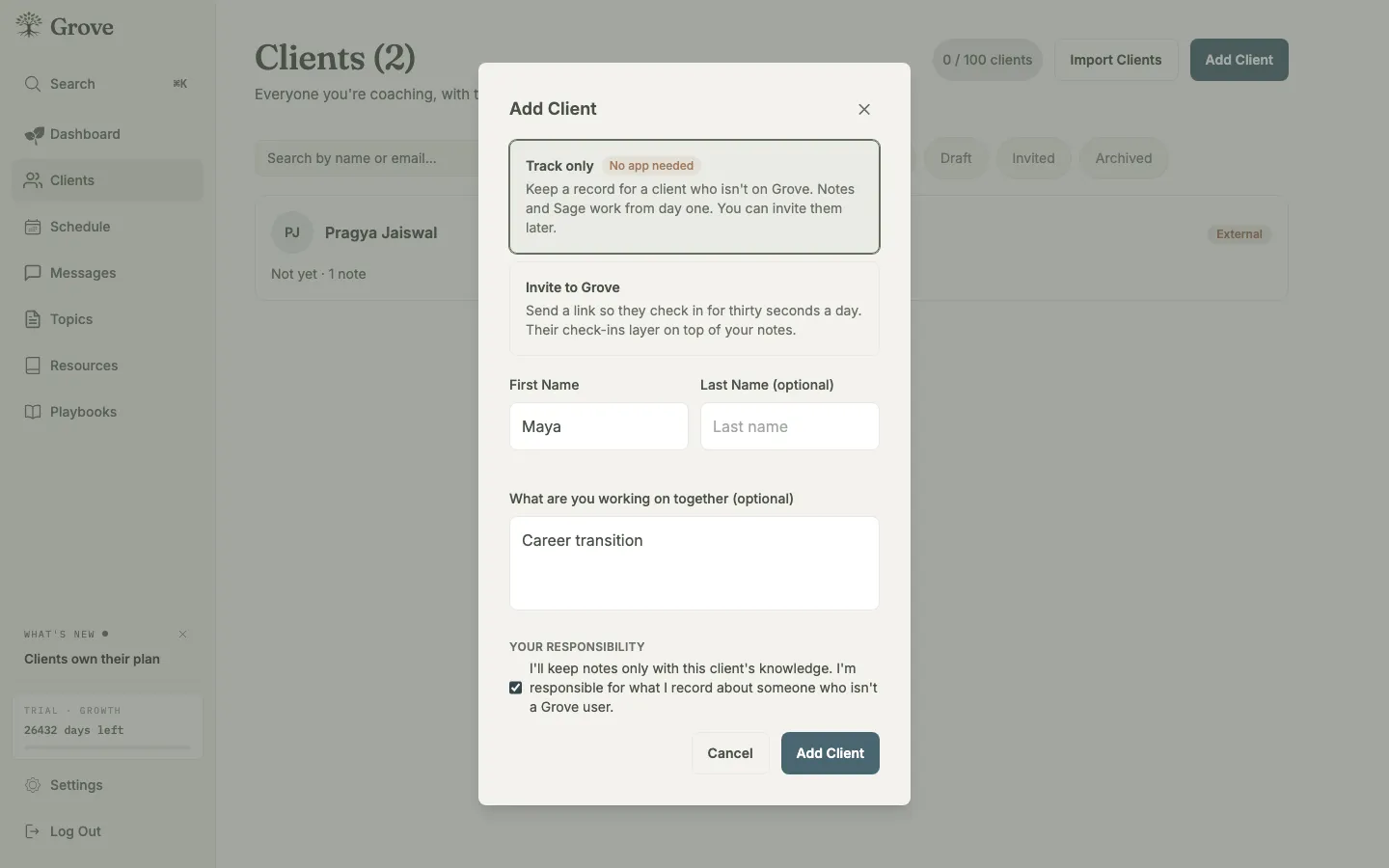
Track only: a name is enough, and the consent attestation makes the responsibility plain.
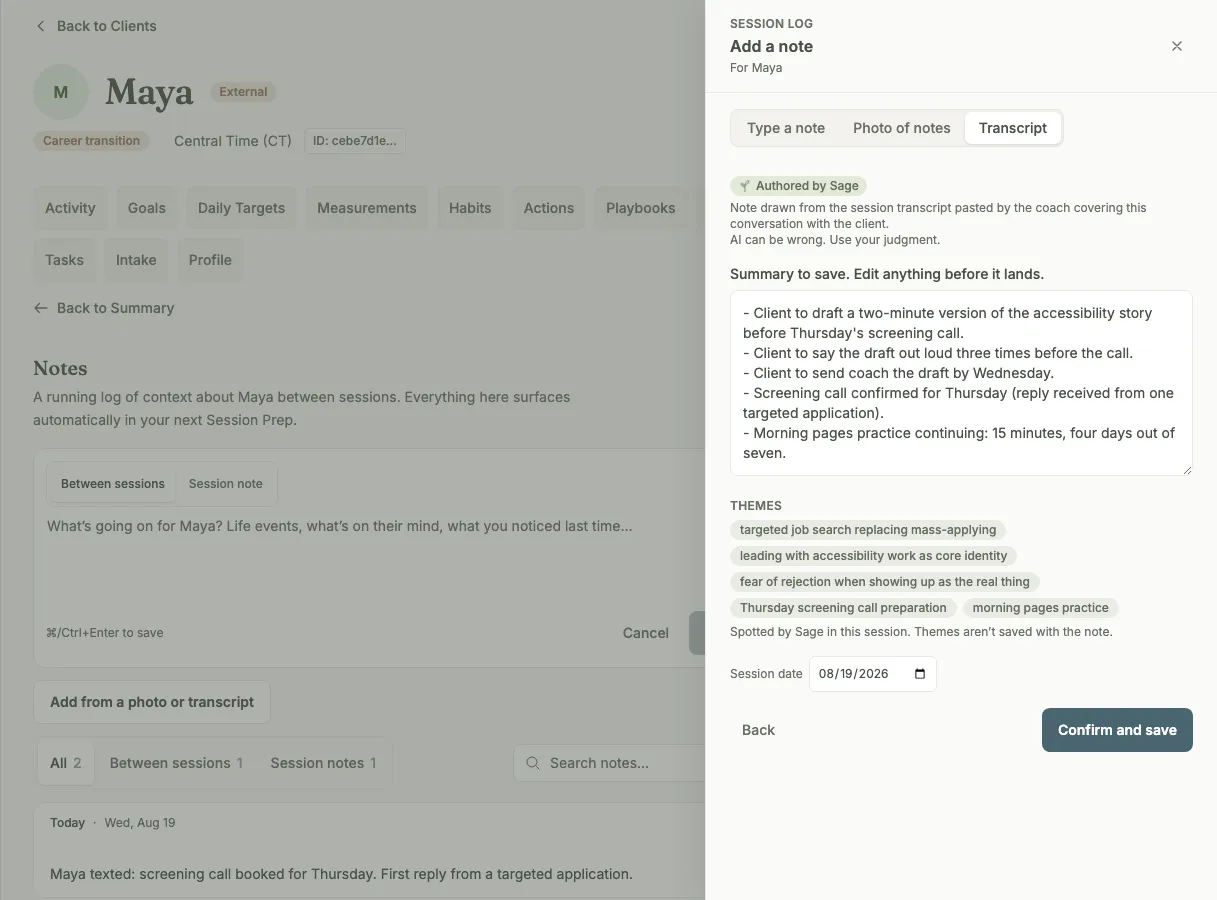
Paste a transcript and Sage drafts the note, commitments first.
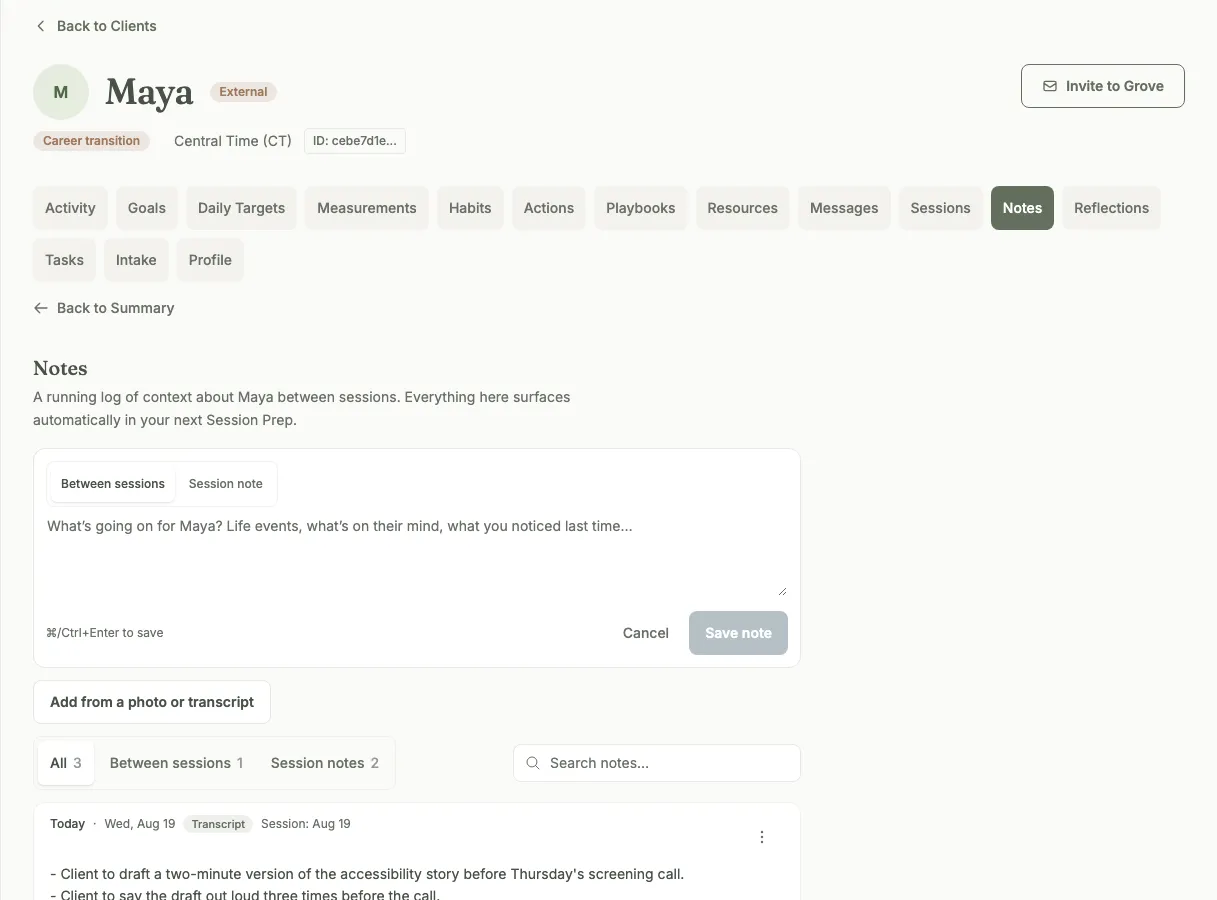
Every note lands on one timeline with its source tag.
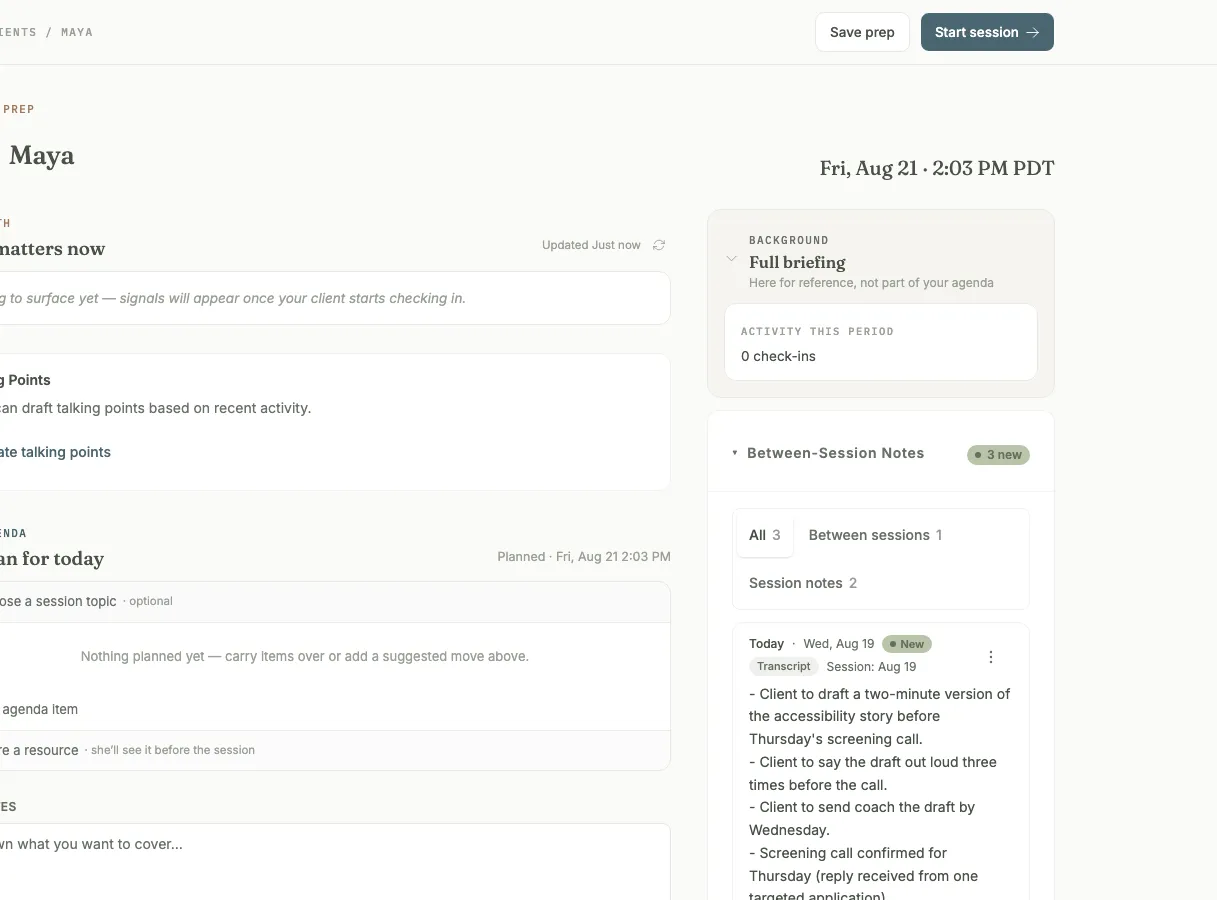
Your notes feed the same session prep invited clients get.
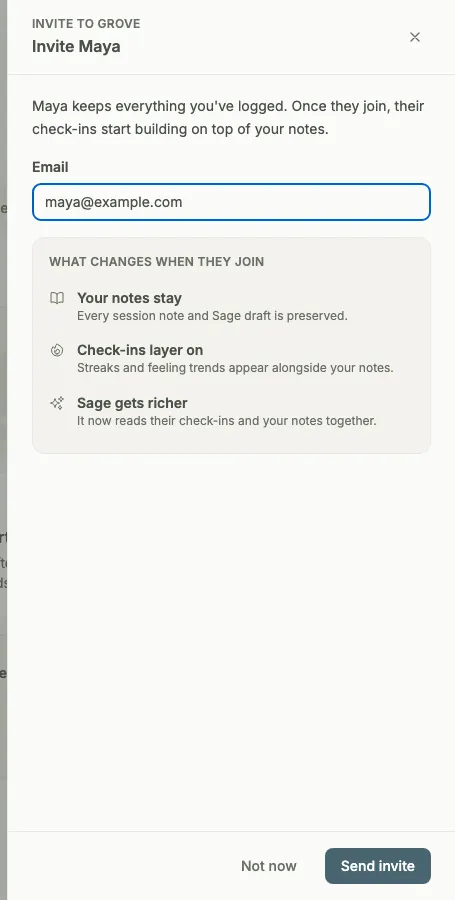
Convert when they’re ready. The whole history carries over.
Until now, Grove did nothing for a coach until a client accepted an invite. Your practice does not work that way, so Grove no longer does either. Add Client now has a Track only option: a name is enough, no email needed. Creating one carries a consent attestation, the plain statement that these are your professional records and you keep them responsibly, the same duty you already carry for the notebook on your desk.
This is not just for clients who have not joined yet. Some clients never want an app, and that is a fine way to be coached. Track them the same way: their session transcripts and notes live alongside every other client’s, Sage preps their sessions from your records, and your whole practice stays in one place whether or not they ever log in.
Session notes come in three ways: type a note and pin it to its session date, photograph a handwritten page and review the transcription line by line before any of it is saved, or import a session transcript and let Sage draft the note (that one got its own build note). Nothing writes itself.
With your consent flags on for a client, those notes feed the same session prep invited clients get: open the client before a session and Sage has already read back through your notes and pulled the thread forward. Sage does the reading; you do the coaching.
And when a client is ready to actually join Grove, convert them from their page with one click. Every note, every date, the full history becomes their invited account’s record, and from that moment consent for what Sage reads is theirs to control in their own settings.